
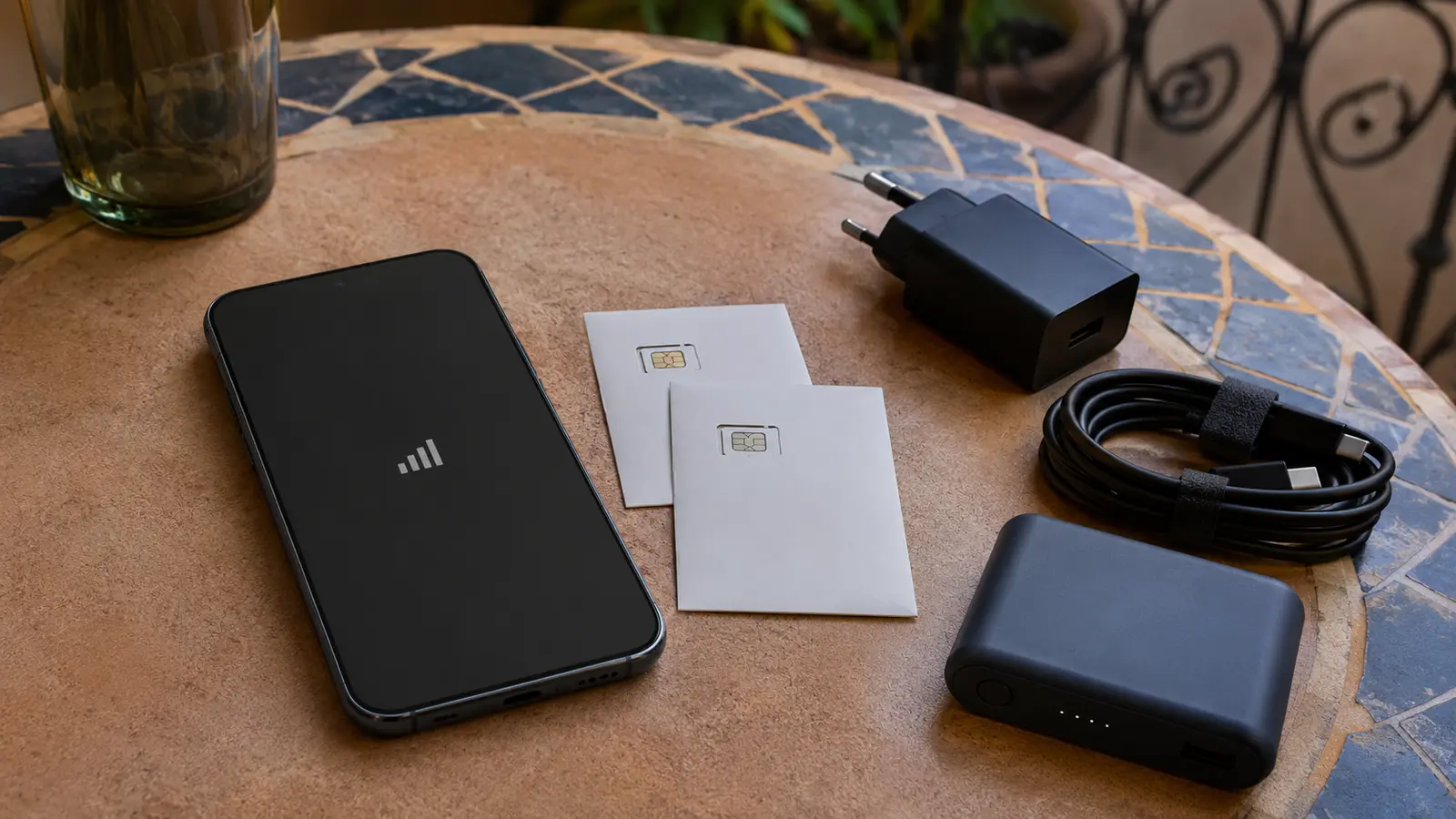
Choose local SIM, travel eSIM or roaming by use case
Roaming keeps the home number and requires the least setup, but the price and data allowance depend on the home carrier. A travel eSIM can be installed before arrival and is useful for immediate maps or messaging, though many products are data-only. A local SIM or eSIM provides a Moroccan line and direct access to a domestic carrier's recharge system.
List the actual needs: navigation, ride coordination, WhatsApp, video calls, hotspot use and receiving local calls. Then compare total data, validity and renewal rather than the headline. A seven-day product is not suitable for a fourteen-day trip simply because the data amount looks large, and unlimited can still have speed or hotspot conditions.
- Roaming: easiest, but verify cost and fair-use rules.
- Travel eSIM: convenient arrival data; check whether calls and a local number are included.
- Local line: useful for longer stays, local calls and carrier top-ups.
Check current details: Maroc Telecom eSIM · Orange Morocco prepaid lines · inwi eSIM
Check unlock status, eSIM support and dual-SIM settings
A phone locked to its home carrier may reject another SIM. Verify unlock status before departure; airport staff cannot override a home-carrier restriction. For eSIM, confirm that the exact device model supports it and that an available eSIM slot remains. Save the installation QR code securely and follow the carrier's instructions while connected to dependable Wi-Fi.
Local activation involves identity information under the provider's process, so carry the passport used for travel and buy from an official or authorized seller. Before changing anything, know which SIM handles mobile data, calls and SMS. Disable costly home-line data roaming unless intentionally using it, while preserving access to bank verification messages if needed.
- Verify the device is carrier-unlocked.
- Check the exact model's eSIM and dual-SIM limits.
- Keep the home SIM and eSIM QR details secure.
- Review banking two-factor authentication before changing numbers.
Check current details: Maroc Telecom eSIM setup · Orange Morocco prepaid activation · inwi eSIM setup
Compare airport convenience with a city purchase
An official airport kiosk can activate service before the first transfer, which is valuable after a late arrival. A city carrier shop may provide more time, broader stock or easier problem-solving. In either place, look for clear carrier identification, ask for the product name and receive proof of payment rather than handing cash to an unbadged seller.
Test the line before leaving. Confirm the phone number, mobile data, remaining balance or allowance and expiration. Ask how to top up and which app or code checks the balance. If a salesperson changes device settings, review the active SIMs and hotspot later so the home line does not begin roaming unexpectedly.
- Use an official carrier store or identifiable authorized point of sale.
- Keep the SIM holder, PIN and receipt.
- Place a test call or load a webpage before leaving the shop.
Check current details: Maroc Telecom official services · Orange Morocco official prepaid shop · inwi official eSIM information
Compare bundles with a visible last-checked date
Record the carrier, data amount or usage policy, included minutes, validity, top-up method, hotspot restrictions and final price. Recheck the official page on the purchase day because promotions and tourist products expire. Do not compare a recurring monthly plan with a short prepaid pack as if they were identical.
Some offers separate social-app usage, general internet and call credit. Others advertise unlimited access for a short period. Read the conditions and decide whether the product supports maps, browser use, video calls and tethering—not just the app shown in the headline. Save the activation message in case the allowance does not match what was sold.
- Carrier and exact offer name
- General data versus app-specific data
- Validity and renewal rule
- Hotspot or speed conditions
- Top-up and balance-check method
Check current details: Maroc Telecom recharge options · Orange Morocco recharge options · inwi mobile offers
Treat coverage as local and route-specific
All three national networks serve major urban areas, but the strongest signal can differ by neighborhood, building and road. Thick medina walls, a ground-floor riad, Rif or Atlas terrain and remote desert approaches can reduce service. A coverage map is a planning clue, not a promise inside one room.
Ask the accommodation which carrier works reliably at the exact property and request a recent speed test if work depends on it. For a remote excursion, download the route and emergency contacts first. A second SIM on another network can add resilience, but it cannot guarantee service in a valley or during a local outage.
- Check the exact lodging, not only the city.
- Download maps before mountain and desert legs.
- Expect indoor signal to differ from street-level signal.
Check current details: Official Morocco connectivity information
Set up maps, messaging and translation for offline use
Download offline map areas for every base and pin the exact accommodation entrances, stations and ports. Save critical confirmation pages as files, not only email links. WhatsApp is widely useful for lodging and driver coordination, but calling features can depend on network and app conditions; retain a normal phone option for urgent local contact.
Download the relevant language pack and save addresses in Arabic script when the property provides them. Limit background photo backup and app updates on mobile data. A power bank protects navigation during a long transfer, but it should travel in cabin baggage according to the airline's battery rules.
- Offline maps and saved pins
- Downloaded reservations and identification copies
- Offline translation pack
- Restricted background data and photo sync
- Charged power bank and cable
Build a remote-work backup across network and power
Do not accept a generic listing claim of fast Wi-Fi for a critical work stay. Ask for a recent speed test from the actual unit, including upload speed and the time of day, and confirm where the router sits. A hotspot on a different mobile network is more useful than a second connection that fails for the same reason.
Test video calling and VPN access before the first essential meeting. Keep local copies of work files, a charged power bank and a nearby fallback workspace. If the job requires uninterrupted connectivity, schedule important calls in a professional coworking environment or confirmed business hotel rather than making a café responsible for the connection.
- Primary Wi-Fi plus second-network mobile data
- Recent upload and download test from the exact room
- Charged hotspot or phone and power bank
- Named fallback workspace for essential calls
Check current details: Maroc Telecom official mobile internet · Orange Morocco official prepaid service · inwi official mobile service